Injecting Ambient User Context & Identity in watsonx Orchestrate: Personalizing AI Agents
Accessing runtime context, preserving state across conversational turns, and mastering the AgentRun import pattern.
Why This Pattern Matters
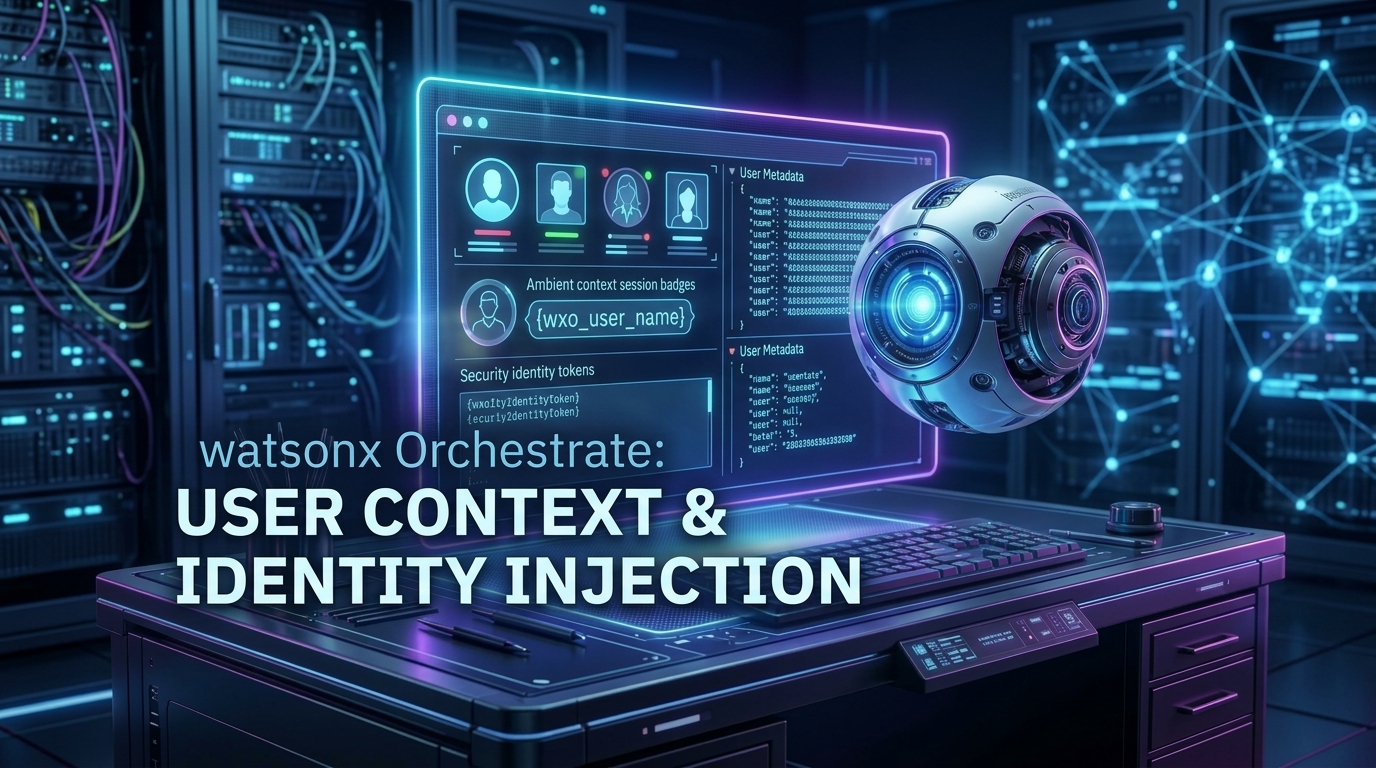
Enterprise chat bots should never ask a user 'What is your email?' when the user is already logged in to the corporate portal. watsonx Orchestrate provides ambient context injection (`agent_run.context`). In this lab, we build a context-aware HR assistant that automatically knows the user's corporate email, employee ID, and department.
Step 1: Write Tool Logic (context_aware_tool.py)
# Critical Pattern: The AgentRun import fallback for Cloud Sandbox
try:
    from ibm_watsonx_orchestrate.run.context import AgentRun
except ImportError:
    AgentRun = object

from ibm_watsonx_orchestrate import tool

@tool(context_access_enabled=True)
def get_user_profile(agent_run: AgentRun) -> str:
    """
    Retrieve ambient user profile and session identity from Orchestrate runtime.
    """
    context = agent_run.context if hasattr(agent_run, 'context') else {}
    user_email = context.get('wxo_email_id', 'user@example.com')
    employee_id = context.get('employee_id', 'EMP-9821')
    department = context.get('department', 'Cloud & Cognitive')

    return f"""
👤 Ambient User Identity Detected:
━━━━━━━━━━━━━━━━━━━━━━━━━━━━━━━━━
Corporate Email: {user_email}
Employee ID:     {employee_id}
Department:      {department}
Session Mode:    Authenticated SSO
"""

@tool(context_access_enabled=True)
def update_user_preferences(agent_run: AgentRun, preferred_language: str) -> str:
    """Update conversational preferences in the active context state."""
    return f"✅ Context Updated: Preferred language set to '{preferred_language}' for this session."
Step 2: Dependencies (requirements.txt)
ibm-watsonx-orchestrate>=2.9.0Step 3: Agent Manifest (agent.yaml)
spec_version: v1
kind: native
name: hr_context_assistant
title: "HR Context Assistant"
description: "Seamlessly identifies logged-in employees using ambient context injection."
model: ibm/granite-3-8b-instruct
instructions: |
  You are an HR concierge. Greet the employee by extracting their identity from
  the `get_user_profile` tool without prompting them for their personal info.
tools:
  - get_user_profile
  - update_user_preferences
Step 4: Live Execution
orchestrate chat ask -n hr_context_assistant "What are my current employee benefits?"╭─ 🤖 hr_context_assistant ──────────────────────────────────────────────╮
│ │
│ Hello Markus (EMP-9821)! I see you belong to the Cloud & Cognitive │
│ department. Based on your full-time status, here is your 2026 │
│ benefits summary... │
╰────────────────────────────────────────────────────────────────────────╯💡 Pro Tips & Architecture Insights
The cloud runner environment does not export the full `run.context` python module during static inspection. Always use the `try/except: AgentRun = object` fallback pattern to prevent `ModuleNotFoundError` during tool import.
You must set `@tool(context_access_enabled=True)`. Without this flag, Orchestrate will not inject the `agent_run` parameter into your function.