Getting Started with Model Context Protocol (MCP) in watsonx Orchestrate: Connecting Agents to External Sidecars
Understanding MCP architecture, implementing STDIO transport, and resolving common discovery errors.
Why This Pattern Matters
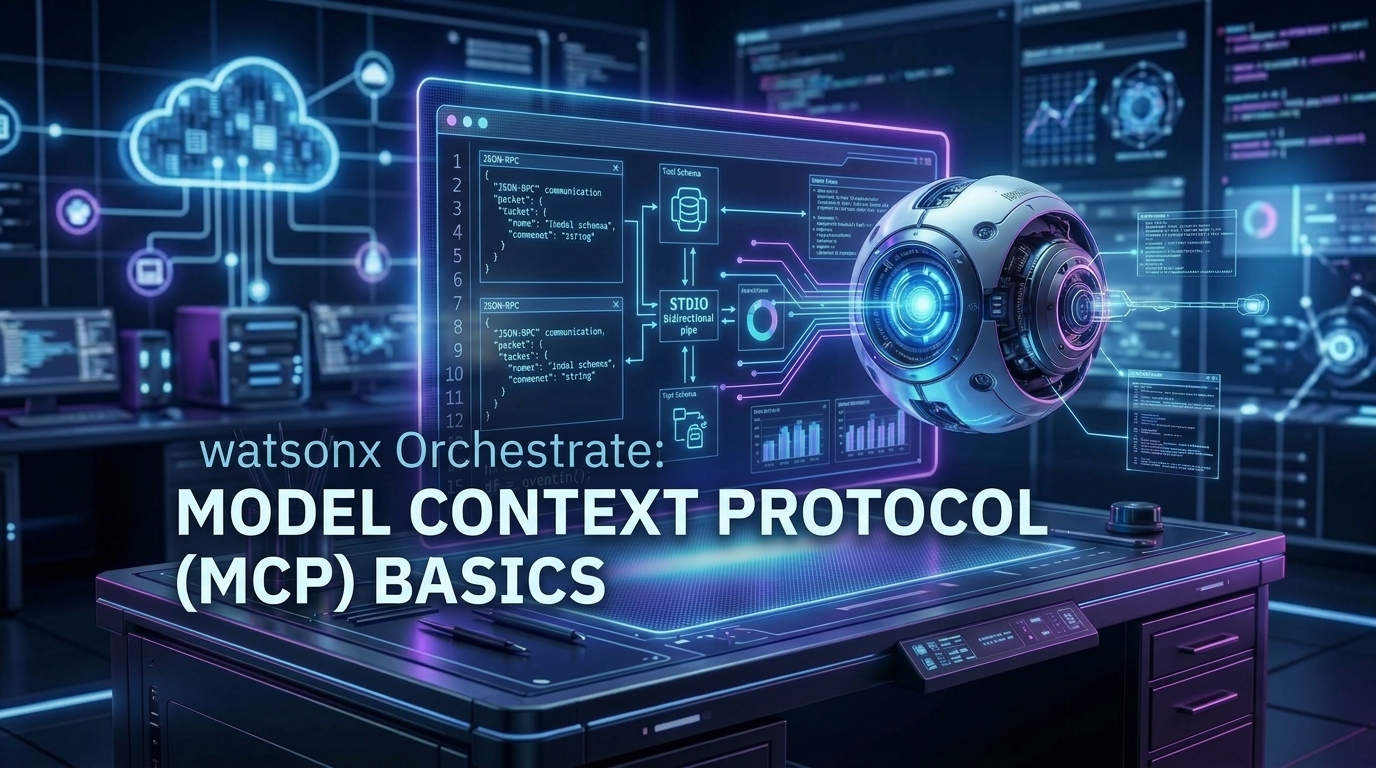
Python tools are great for simple in-process tasks, but enterprise IT requires connecting to microservices, databases, and sidecar processes written in Node.js, Go, or Python. Model Context Protocol (MCP) is the industry standard for bridging LLMs with external tools over JSON-RPC.
Step 1: Write Tool Logic (simple_mcp_server.py)
from mcp.server import Server
from mcp.server.stdio import stdio_server
import mcp.types as types
import asyncio

mcp = Server("sample-ticket-mcp-server")

@mcp.tool()
async def search_support_tickets(priority: str = "HIGH") -> str:
    """
    Query enterprise support tickets by priority level.

    Args:
        priority: Filter level ('CRITICAL', 'HIGH', 'MEDIUM', 'LOW').
    """
    return f"""
🎫 Active Tickets [{priority} Priority]:
  1. #TCK-901: Database latency spike in ca-tor (Assigned: Site Reliability)
  2. #TCK-904: SSL Certificate renewal for api.internal (Assigned: Security)
"""

async def main():
    async with stdio_server() as (read_stream, write_stream):
        await mcp.run(
            read_stream,
            write_stream,
            mcp.create_initialization_options()
        )

if __name__ == "__main__":
    asyncio.run(main())
Step 2: Dependencies (requirements.txt)
mcp>=1.0.0
ibm-watsonx-orchestrate>=2.9.0
Step 3: Agent Manifest (agent.yaml)
spec_version: v1
kind: native
name: mcp_support_agent
title: "MCP Support Triage"
description: "Integrates with external systems using Model Context Protocol (MCP)."
model: ibm/granite-3-8b-instruct
instructions: |
  You are a support operations agent. Connect to the MCP ticket server
  and query tickets for the user.
tools:
  - search_support_tickets
Step 4: Live Execution
orchestrate toolkits add --kind mcp --package-root ./mcp_discovery_test[INFO] - Discovering tools from MCP server 'sample-ticket-mcp-server'...
[INFO] - Found 1 tool: search_support_tickets
[SUCCESS] - MCP Toolkit added successfully.💡 Pro Tips & Architecture Insights
💡 The '0 tools found' Bug
When importing MCP toolkits via CLI, you must provide `--package-root .` so Orchestrate can locate dependencies and the execution wrapper.
💡 STDIO vs SSE Transport
Use STDIO transport for rapid local workstation testing, and switch to SSE (Server-Sent Events) or Streamable HTTP for production container microservices.